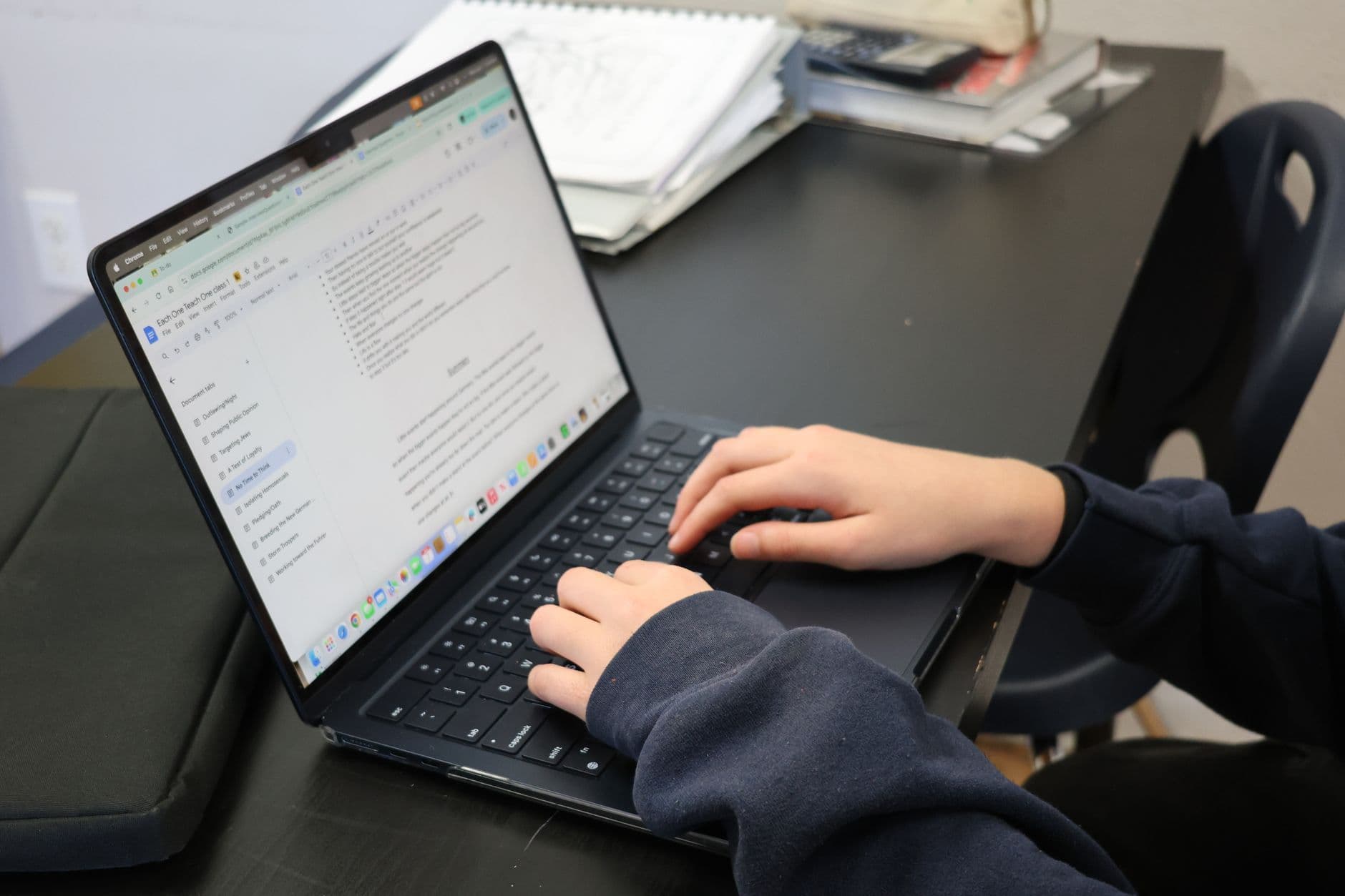
Canvas itself has no built-in AI detector. Whether your submitted work gets checked for AI writing depends entirely on whether your specific course has connected Turnitin as a plugin, which Canvas supports through what's called an LTI integration, but which individual instructors and departments have to turn on. Some courses have it running on every assignment. Others never touch it.
How the Canvas and Turnitin connection actually works
Turnitin plugs into Canvas as a third-party tool rather than a native Canvas feature. When an instructor sets up an assignment with Turnitin enabled, every submission automatically routes through Turnitin's similarity and AI-detection engine, and the report shows up either directly in Canvas SpeedGrader or through a separate Turnitin dashboard the instructor accesses. Nothing about it is visible to a student unless the assignment settings say so or the syllabus mentions it.

The detection layer running underneath that integration is the same one covered in what AI detector Turnitin uses, regardless of whether you're submitting through Canvas, Blackboard, or Turnitin's own portal directly.
How to find out if your course actually has it turned on
- Check the assignment submission page. Canvas usually shows a Turnitin similarity indicator once a report generates, if the tool is active for that assignment.
- Read your syllabus. Academic integrity sections often state which detection tools a course uses, even when the Canvas interface itself doesn't make it obvious.
- Ask directly. Instructors vary widely in whether they disclose this upfront, and it's a reasonable question to ask rather than guess.
It's also worth knowing that some schools license a different detector entirely and route it through Canvas the same way, which is why the honest answer to "does my school use Turnitin" is course-specific, not university-wide.
Other learning platforms follow the same pattern of optional, instructor-enabled detection rather than a built-in check. See how it works in Google Classroom in does Google Classroom detect AI.
The same applies to Brightspace, covered in does Brightspace detect AI.
Whatever platform is involved, check your own draft with a free AI detector before you submit anything you're unsure about.
Frequently asked questions
Is Turnitin automatically active on every Canvas assignment?
No. An instructor has to enable it specifically for each assignment through Canvas's assignment settings. Plenty of courses never turn it on at all.
Can I tell from the Canvas interface whether Turnitin is running?
Usually, once a similarity score or Turnitin icon appears on your submission page. Before submitting, the clearest signal is your syllabus or a direct question to your instructor.
If my school uses Canvas, does that mean it also uses Turnitin?
Not necessarily. Canvas is a learning management system that supports many different plugin integrations, and Turnitin is only one option a school or individual instructor can choose to connect.
Does Canvas check discussion posts for AI the same way it checks assignments?
Not by default, and the reason is structural rather than a matter of one being watched more closely. An assignment submission is a discrete file or text box that can be tied to a Turnitin check when a course has that configured. A discussion post is conversational text saved directly into the course's discussion database as an inline entry, built for back-and-forth reading rather than for the single-document scan Turnitin performs. The Turnitin integration a school connects is typically configured on the assignment tool specifically, not on discussion boards, so a post in a discussion thread usually is not routed through it.
That routing difference is the whole distinction, and it is not a guarantee. Canvas has no native AI-writing detector for any content type, discussions included, so nothing about a discussion board is inherently exempt from review. An instructor who suspects AI-generated content in a thread can copy the text into a detector manually in seconds, exactly as anyone else could, and some newer tools and updates are starting to extend automatic checks to discussion content. That makes it a setting which can change per course and per semester rather than a fixed rule.
To find out where your own course sits, check the syllabus for a mention of Turnitin or an academic-integrity check on discussion participation specifically, not only on formal assignments, then ask your instructor, since it is a course-level setting. Do not read silence as confirmation that discussion posts are never checked. The safest assumption for any graded work, discussion or otherwise, is that it should be your own writing regardless of which check happens to be running.
Where does the Turnitin similarity score actually appear in a Canvas submission?
In two places, and neither is the page you upload your file on. For an instructor it appears inside SpeedGrader. The University of Pittsburgh's teaching centre documents the similarity score sitting at the upper right of the feedback pane, and clicking it opening a new tab with Turnitin's full report. Florida State University's Canvas support pages describe the same thing, a similarity score icon in SpeedGrader that opens Turnitin Feedback Studio when selected.
Both guides list the same colour scale, which is the most checkable detail here. Blue is 0 percent matching text, green is 1 to 24 percent, yellow is 25 to 49 percent, orange is 50 to 74 percent, red is 75 to 100 percent. That is a similarity band, not an AI band. A green icon means almost nothing of your text matched an existing source, and says nothing about whether an AI writing score was generated on the same submission.
The student route is different again. California State University Stanislaus documents students opening the course Grades link, finding the assignment row, and clicking the coloured icon at the far right of that row to open the Turnitin interface. The icon only appears if the instructor left student visibility on for that assignment, so its absence tells you nothing either way.
Where is the AI writing indicator, and can a student see it?
The AI writing percentage is a separate number, and it is not on the coloured similarity icon. An instructor opens the Turnitin report first, then reads the AI writing indicator inside that report. That is how an instructor can glance at SpeedGrader, see a low similarity score, and have an AI figure sitting one click deeper that neither of you has looked at.
For students the answer is blunter. Fresno State's page for its Turnitin AI writing detection pilot, which it says was enabled in summer 2025 through Turnitin in Canvas Assignments for the 2025 to 2026 academic year, states that AI detection results are only visible to instructors and administrators, and that students do not have access to the AI score or report unless their instructor shares it. That is one institution's configuration, not a universal Canvas rule, but it means a clean looking submission page is not evidence of a clean AI score.
Nothing above is a screenshot walkthrough. We have not run a Turnitin enabled Canvas assignment ourselves, and every step here comes from published institutional documentation for the Canvas plagiarism framework.
Why does the SpeedGrader similarity score sometimes not match the Turnitin one?
Because Turnitin documents that mismatch itself. Its integrations known issues list records that the Similarity Report is not updating within SpeedGrader after exclusions are made or after the due date passes for collusion checks, and that the correct score is presented within the LTI assignment inbox and when Feedback Studio is opened, even when Feedback Studio is opened from inside SpeedGrader.
That inverts the intuition. SpeedGrader is the screen an instructor looks at most, and it is the screen Turnitin says can hold the stale number. The same list carries an older resolved entry from 2019 covering the reverse case, where an updated similarity score did not pass back to Canvas at all. If an instructor quotes you a figure that does not match the report, ask which screen it came from before arguing about the number. Status on that item can change, since Turnitin moves entries to resolved over time. Checked August 2026.
What else do students ask about Turnitin inside Canvas?
Can I see my own Turnitin similarity score in Canvas?
Only if your instructor enabled student visibility for that assignment. Where it is on, California State University Stanislaus documents the path as the course Grades page, then the coloured icon at the far right of the assignment row, which opens the Turnitin interface. Where it is off you see no icon, and that is not evidence that Turnitin is switched off.
Does a low similarity score mean my work passed the AI check?
No. They are two different numbers from two different checks. The coloured icon reflects matching text only, on a scale where blue is 0 percent and red is 75 to 100 percent. The AI writing figure sits inside the Turnitin report, and at institutions like Fresno State it is documented as visible to instructors and administrators only.